


Two hours are left before the appointment at the studio. You realize you will not make it, open the bot, and write: “Can I move it to tomorrow?”
The reply: “Choose a service.”
You already chose a service. And you chose a time. Now the appointment simply needs to be changed. But the bot acts as if it is seeing you for the first time.
I would judge a bot by whether the person was able to solve their question. The number of buttons says nothing about that.
One question, two different conversations
Imagine a hypothetical bicycle repair studio. The client is already booked, but wants to come on another day. Both dialogues below were made up for the example. This is not correspondence from a real business.
The first bot knows only the route for a new booking. Step outside it, and the conversation gets stuck.
A conversation in a circle
Client: Can I move my appointment to tomorrow?
Bot: Choose a service: diagnostics, repair, maintenance.
Client: I am already booked. I need the time changed.
Bot: The reply could not be recognized. Please use the buttons.
Client: Can I talk to a person?
Bot: Main menu.
Now let us add a “My appointment” section, a way to move it, and a way to reach the administrator. In this teaching scenario the bot is connected to the schedule and can find the current user’s appointment. Without that connection it can only accept a request to move the appointment, and an employee will have to confirm it.
A conversation with a clear result
The client presses “My appointment,” then “Move.”
Bot: You are booked for maintenance today at 18:00. Choose a new day.
The client chooses tomorrow.
Bot: Tomorrow, 12:00 and 17:00 are available.
The client chooses 17:00.
Bot: Move the appointment from today at 18:00 to tomorrow, 17:00?
The client presses “Confirm.”
Bot: Done. The appointment has been moved to tomorrow, 17:00. You do not need to come today.
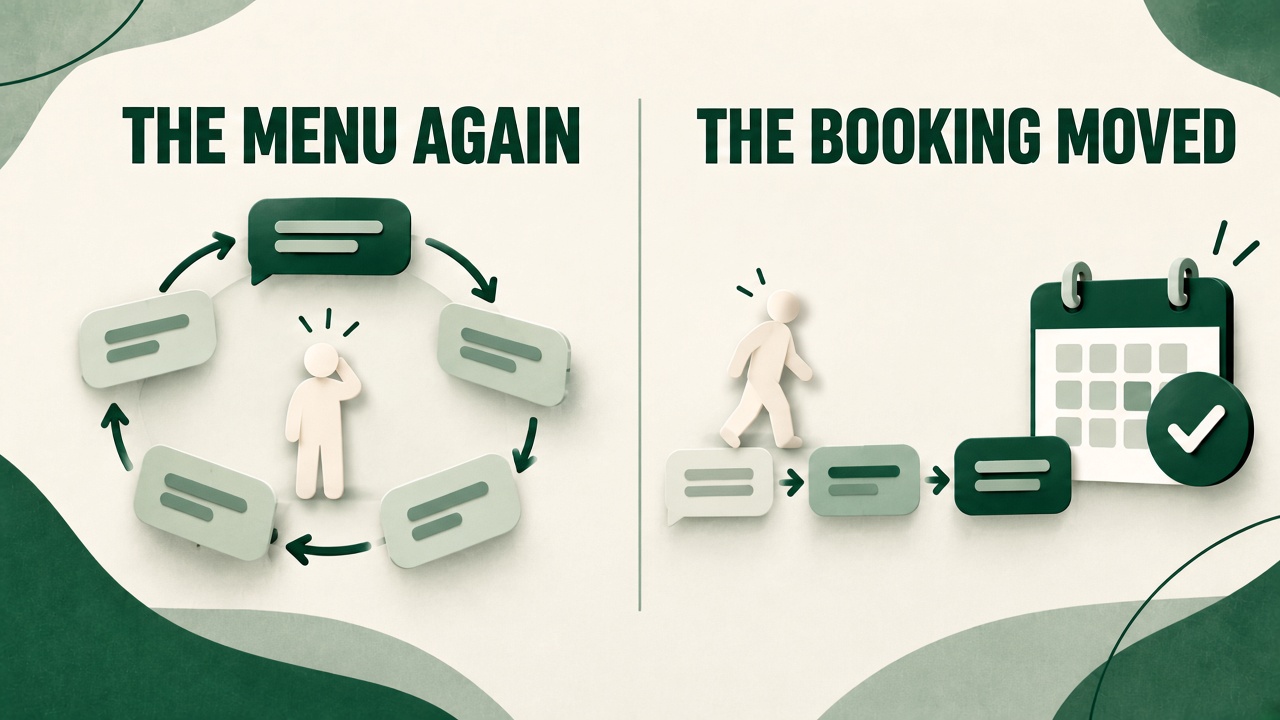
In the second conversation it is clear which appointment is being changed, which times are offered, and how it ended. If there are no free places, the next step can be choosing another day or contacting the administrator.
The word “Done” should appear after the change is saved in the schedule. If the move does not succeed, the original appointment must not be cancelled in silence. The client should understand what is still in force.
Buttons, or free text?
Choosing a time is more convenient from ready options. Describing a strange sound in a bicycle is easier in your own words. So I would match the way of answering to the specific step.
AI does not have to be connected right away. For a booking, clear buttons and passing an unusual question to an employee may be enough. If free text is used anyway, you need to decide what the bot will do with a phrase it does not understand: clarify the question, offer suitable actions, or call a person.
- Buttons: choose a service, a date, a time, or confirm an action.
- A free reply: describe a problem, add a wish, clarify the details.
- An employee: sort out an exception, a disputed situation, or a question the bot could not solve.
“Call a person” has to work too
A button for contacting the administrator is useful if a clear process sits behind it. Who will receive the request? Will they see the correspondence? What happens in the evening, when nobody is answering?
In the teaching example the message can sound like this: “The request has been sent to the administrator. They will see your request and the current appointment. Until the move is confirmed, the previous time still applies.”
A reply like that can be used only if the request was actually passed on. Working hours and the waiting time should be stated according to the company’s real rules, without an invented “we will reply within a minute.”
Try to break the scenario before the client does
I would check the bot not only along the most convenient path. Ask a person who did not take part in the build to change an appointment, and watch where they need an explanation.
Five situations are enough to start:
- Write the request in your own words instead of pressing a button. Is there a clear next step?
- Want to go back. Were the details already entered kept?
- Choose a day with no free time. Is there another option?
- Ask for an employee. Did the request reach the right person, together with the context?
- Check the confirmation of the move. Did the time change in the schedule, and is it clear to the client when to come?
If a dead end appears somewhere, start with it. Sometimes it is enough to add one missing action, correct a message, or set up the passing of the request. The bot does not always have to be rebuilt completely.
Do you want to sort out the scenario of your bot, or make a new one? Press “Message me on Telegram” on the site and tell me which task the client should be able to solve. If the bot already exists, show the step where the problem appears.